
Welcome to LongoMatch!
Hey there!
This short tutorial will show you everything you can do with our software.
This short tutorial will show you everything you can do with our software.
This is a video analysis tool, therefore, you’ll need a video to analyze. You can obtain these videos by capturing it with a video camera or from your phone or tablet with the help of the LongoMatch Mobile Application.
LongoMatch is a multi-sport software, which means you can analyze any sport. You will learn how to analyze your sport in this wizard.
If you have any question or comment, write us to support@longomatch.com, but bear in mind that our Starter and PRO users have priority support.
If this is the first time you download LongoMatch, you’ll enjoy 15 days of the PRO version; once this period is over, you’ll go back to being a Basic User.
Here you can see the differences between the plans we offer:

Limited projects, teams, dashboards and events. Live analysis with a USB camera.

Unlimited projects, teams, dashboards and events. Live analysis with a multiple types of cameras, database manager and more.

Includes all the features of the Starter plan, and, multi camera analysis, zoom in feature, XML import/export, compatibility with other analysis tools, and more.
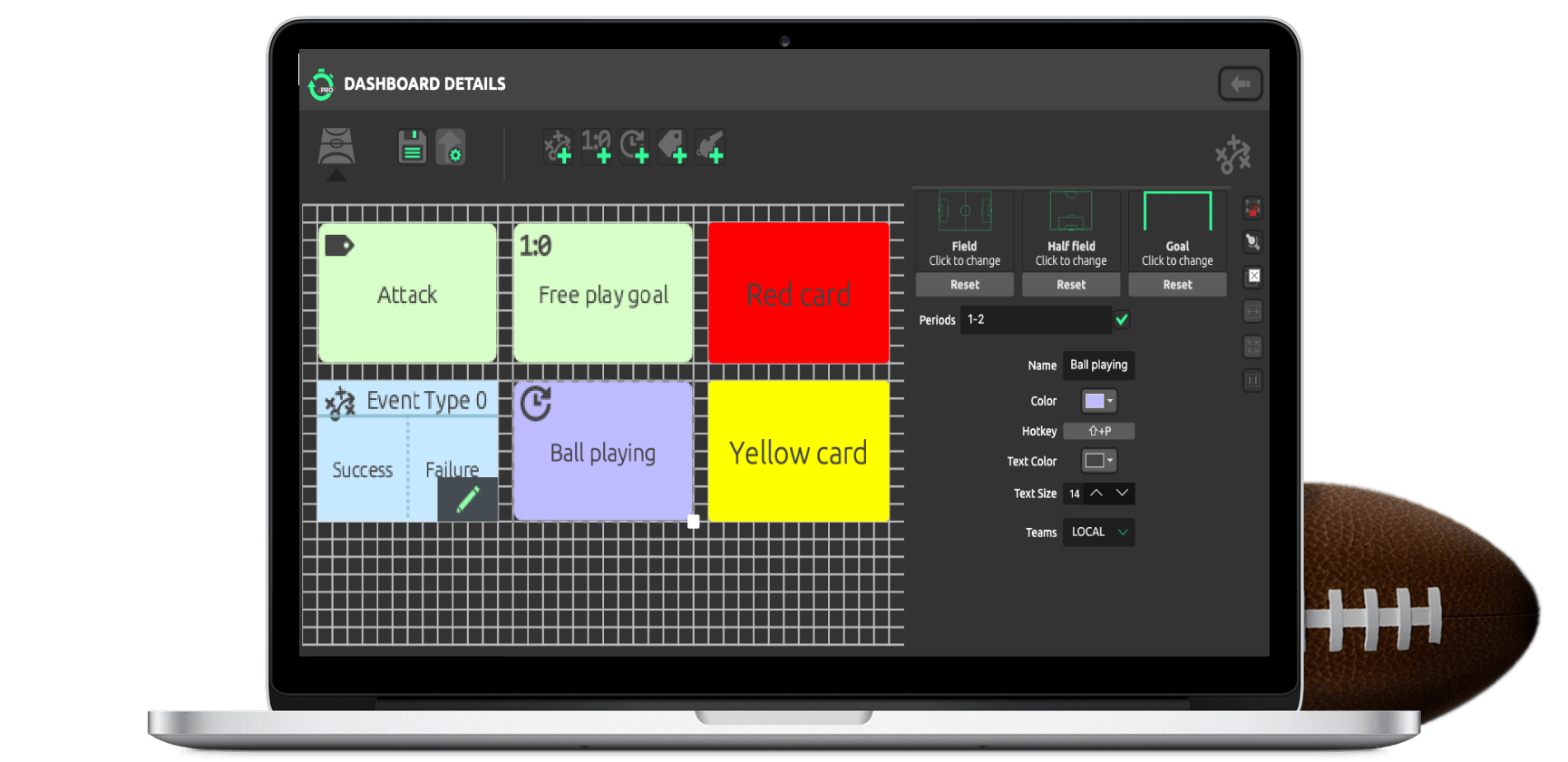
On this window, you’ll be able to create a personalized dashboard.
If you need more guidance on how to create a dashboard,
click here.
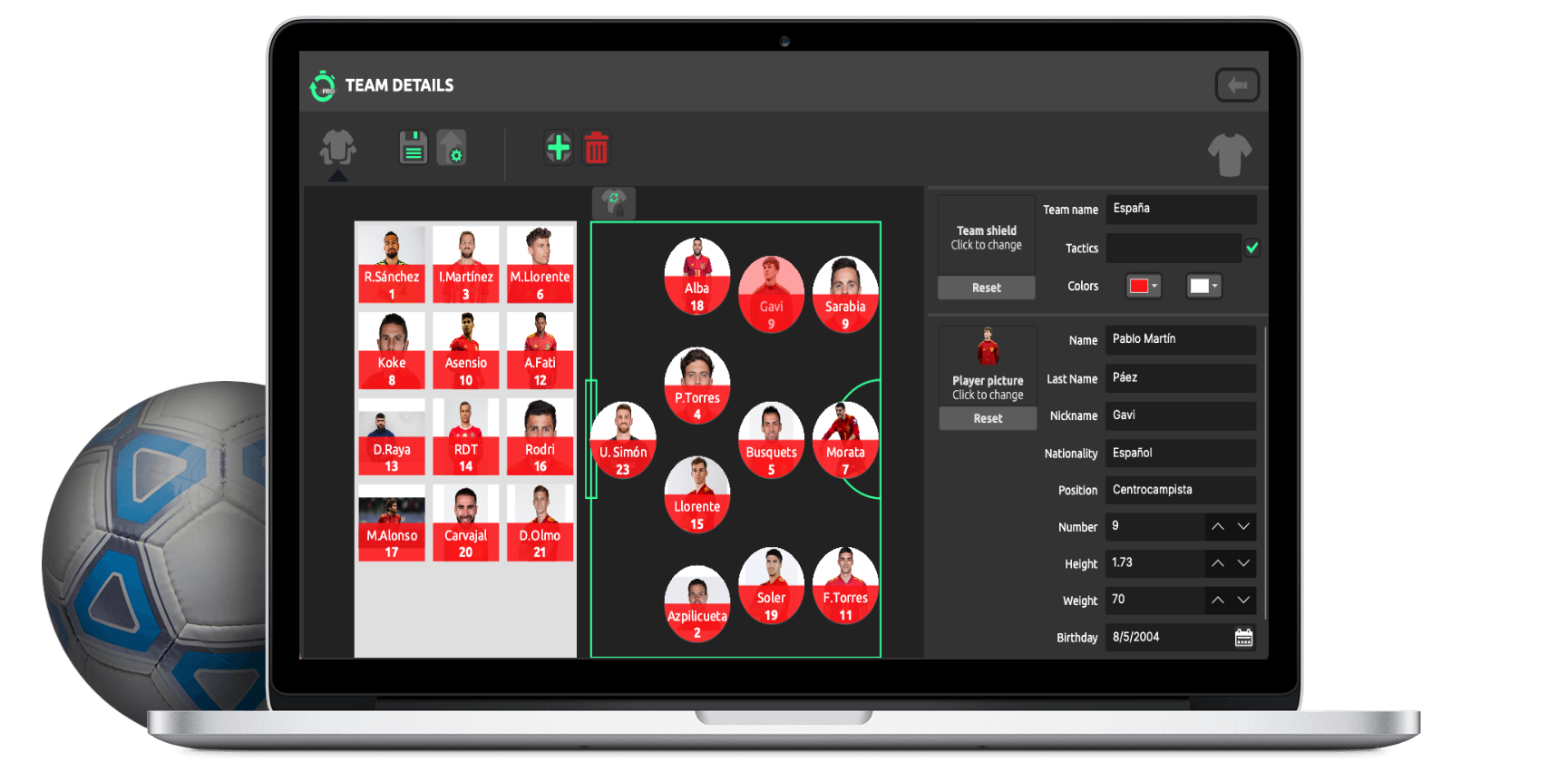
On this window, you’ll see the teams that you want to analyze. You can add players with their corresponding photos and characteristics.
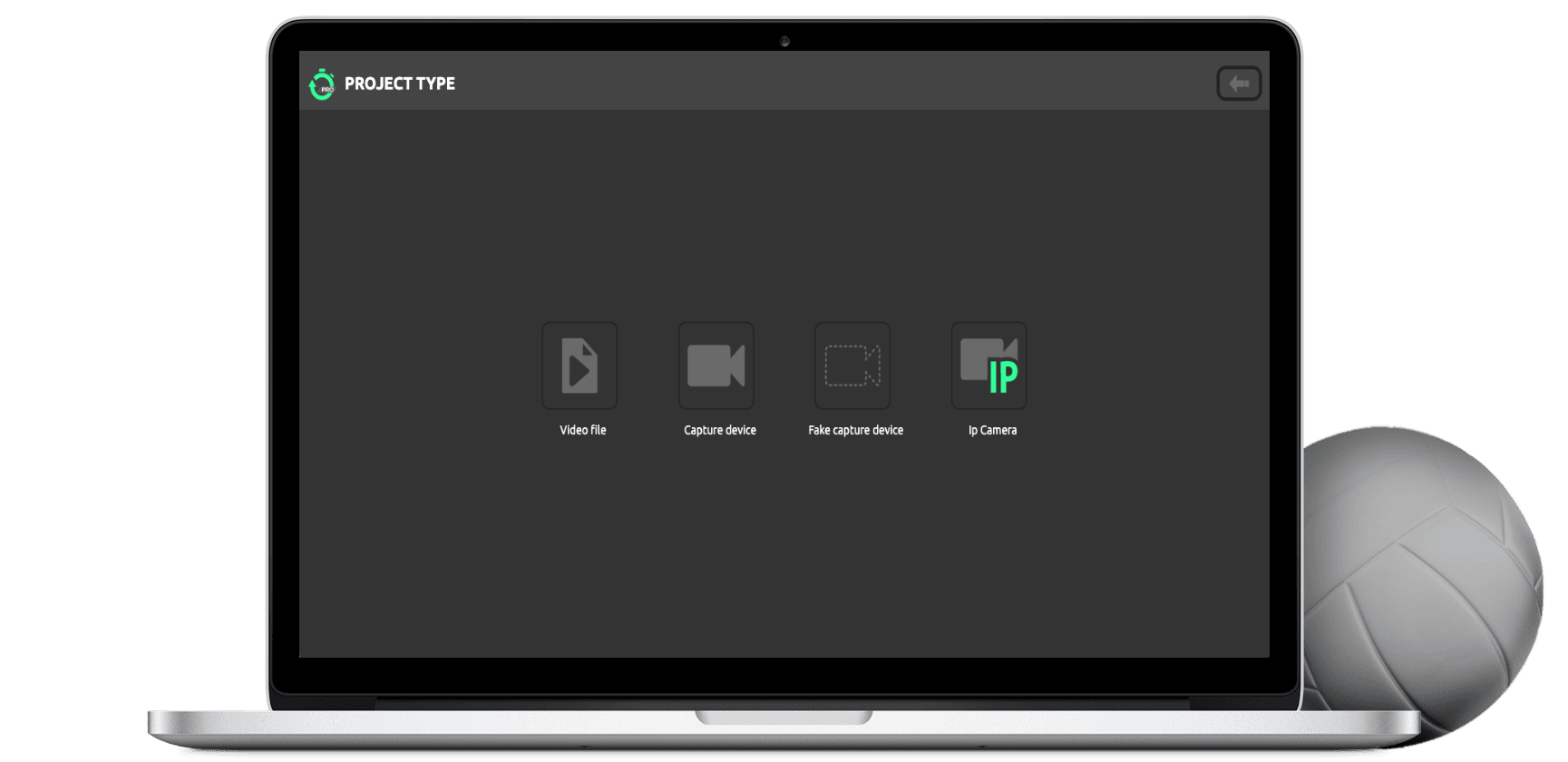
On this window, you can choose the type of project to then
analyze your match.
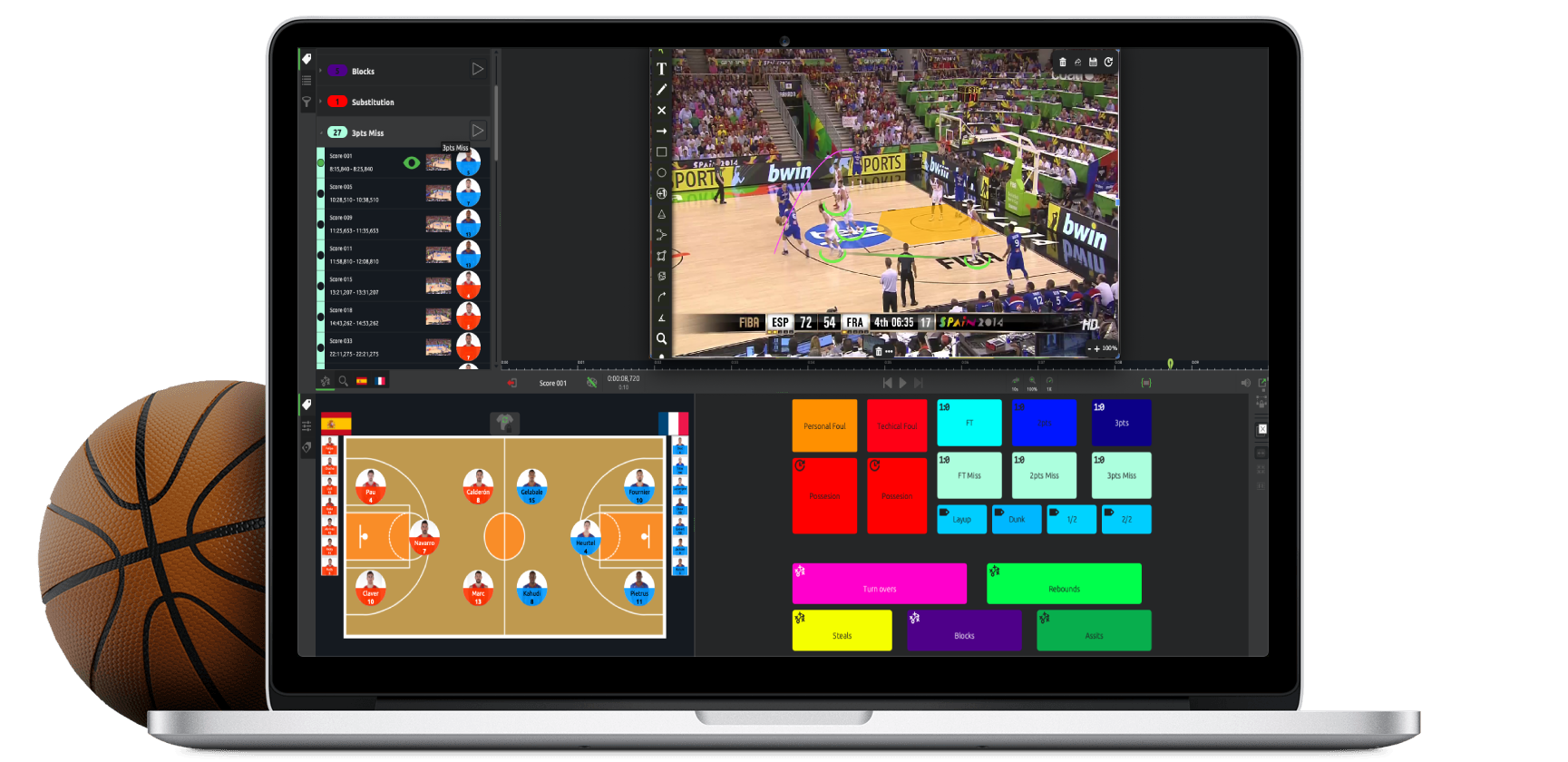
Here, you’ll be able to work on your match analysis by tagging
actions in your dashboard.
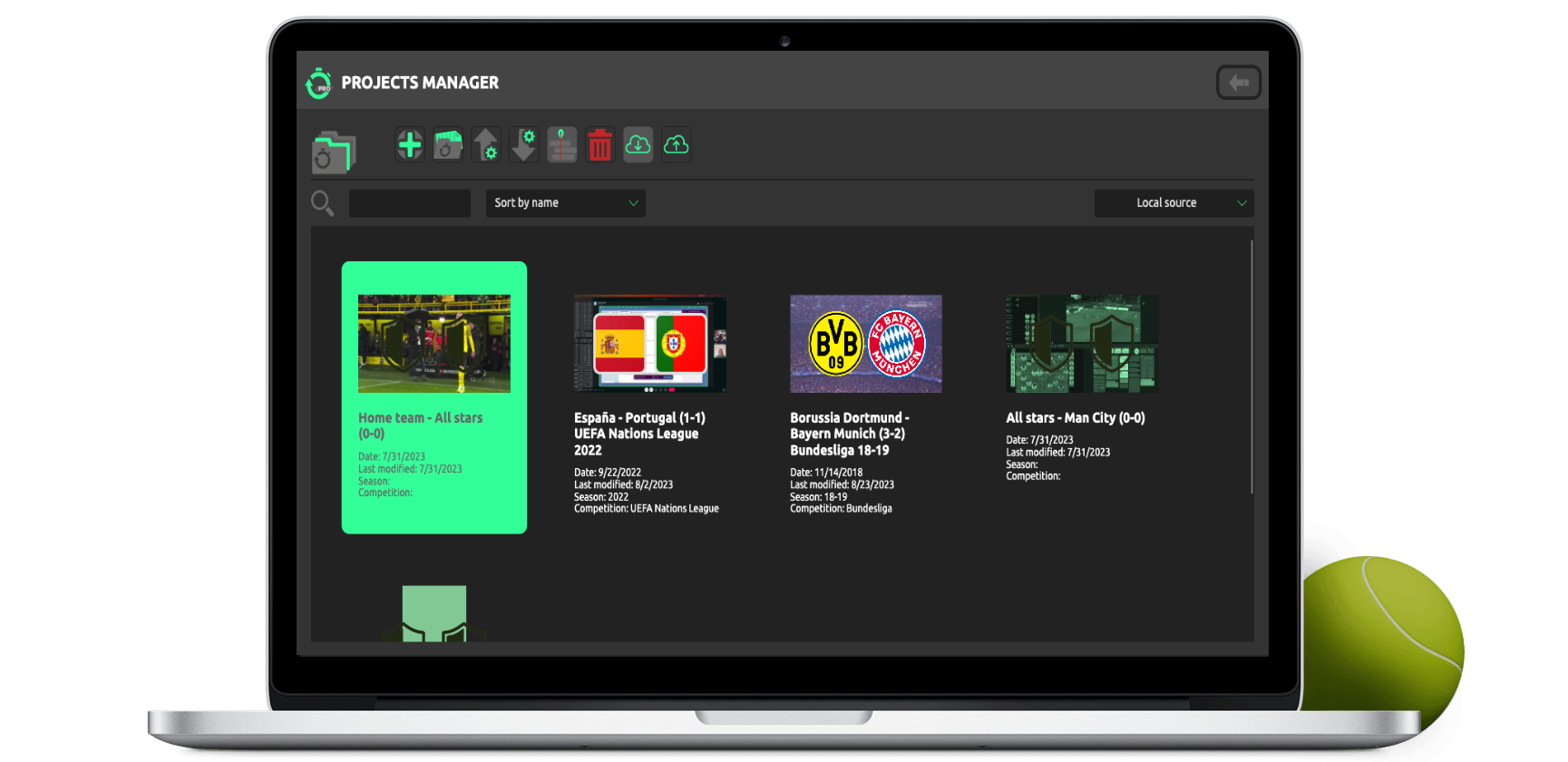
In this section you’ll find information about all the projects
that you are working on.
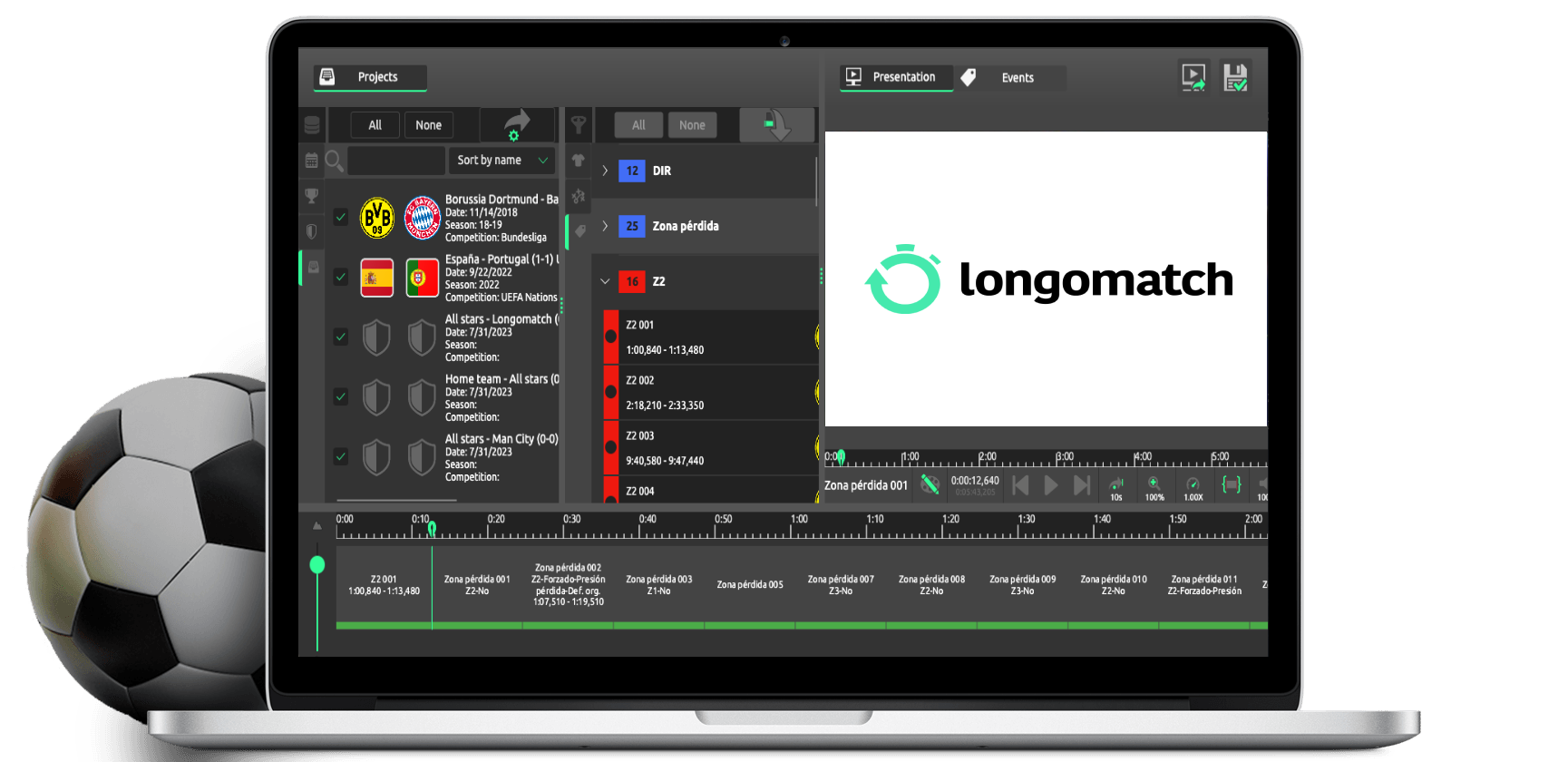
Here you can create a timeline with events from different projects and render them into one video. You can also edit the length and add images or drawings to the events.

Make sure you update regularly to have the best user experience.
If you feel you need more information, go to our YouTube channel or take a look at our FAQs.
Remember to write us an email to support@longomatch.com in case you have comments, questions or suggestions.
Have a good one!